Image
A single image, with an optional caption and link
The Image block places one image on your page. It’s the simplest way to show artwork, a poster, a photo, or a promo graphic.
Settings
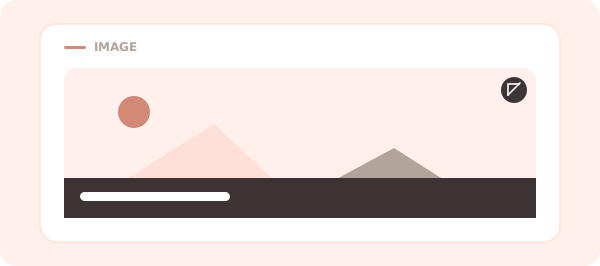
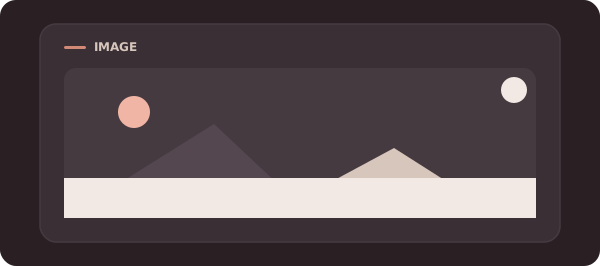
- Image — the picture to show. It fills the block at a wide aspect ratio, cropped to fit.
- Caption (optional) — a short line laid over the bottom of the image.
- Link (optional) — a URL to open when the image is tapped. With a link set, the image opens in a new tab and shows a small link badge.
Tips
- Add as many Image blocks as you like — set each to half-width to place two side by side.
- For a swipeable row of several images, use the Carousel block instead.
Back to the block reference.