Building your page
Use the editor to assemble your link-in-bio
You build your page in the editor at /page.
On desktop it’s a three-pane studio; on mobile it switches between editing
and a live preview.
Editor
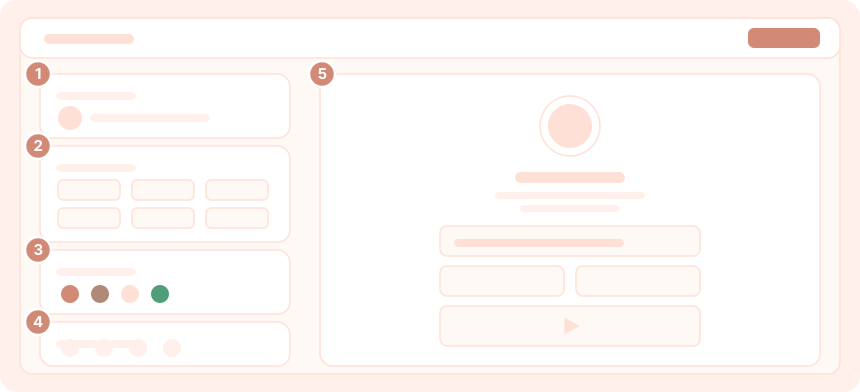
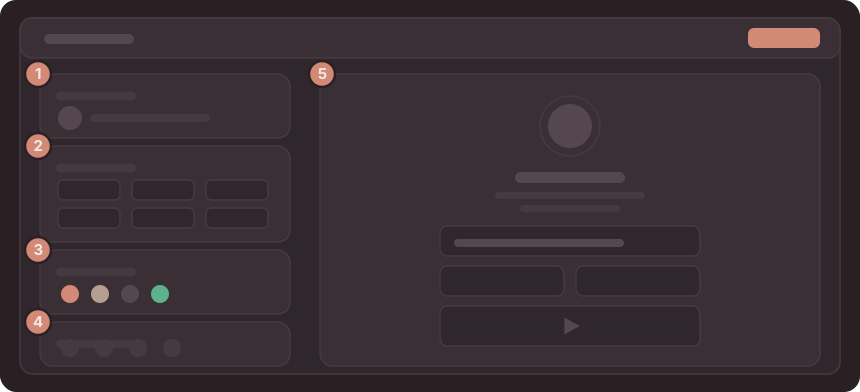
The editor is organized into a few areas:
- Identity — your avatar, display name, and bio.
- Blocks — the content of your page, added from the block catalog and arranged in a grid.
- Design — theme, fonts, colors, and layout. See Theming.
- Links — your social and profile links.
- Preview — a live rendering of your page that updates as you work.
Blocks
Open the Blocks area and choose a block from the catalog. See the full list in the block reference.
Select a block to edit it inline — each block type has its own settings (a link URL, a video embed, schedule entries, and so on).
Drag blocks to rearrange them. The layout flows into a responsive grid.
Toggle a block between half-width and full-width to control how it sits in the grid.
Layout
Blocks flow into a mosaic grid that reflows by screen size — wider on desktop, fewer columns on mobile — so you don’t maintain a separate mobile layout. Use the desktop/mobile preview toggle to check how your page reflows on a phone.
Changes autosave as you work.