Carousel
A horizontal, swipeable row of image cards with links
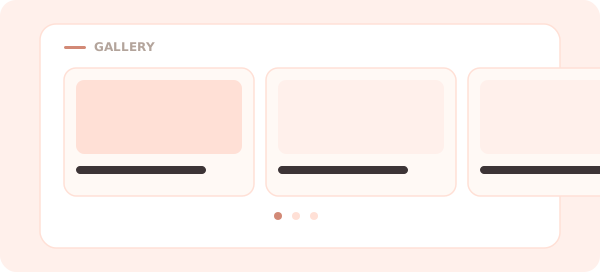
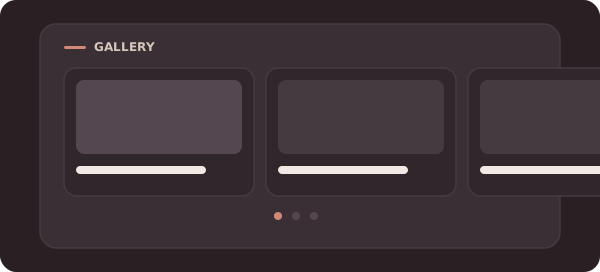
The Carousel block is a horizontal, swipeable row of image cards. It’s a compact way to showcase several things — products, videos, highlights — without stacking them down the page.
Settings
A carousel holds a list of cards. For each card:
- Image — the picture for the card.
- Caption (optional) — a short label under the image.
- Link (optional) — a URL to open when the card is tapped.
Add, remove, and reorder cards to shape the row.
Tips
- Great for a “shop” or “watch” strip where each card links somewhere different.
- For a single, larger image, use the Image block.
Back to the block reference.