Schedule
Upcoming stream times, events, and appearances
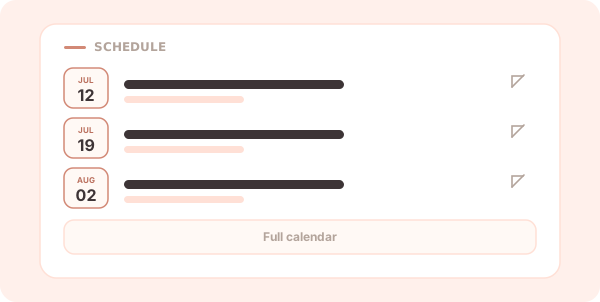
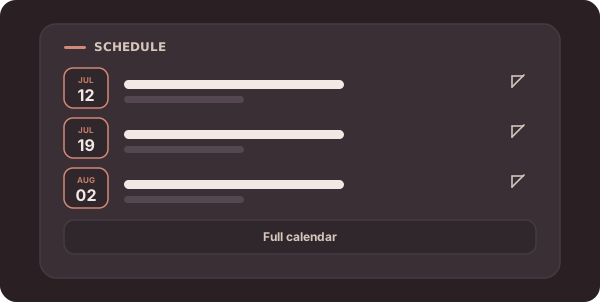
The Schedule block lists your upcoming events, pulled from a calendar feed so it updates itself as your calendar changes.
Settings
- Feed URL — a calendar feed (an iCal/
.icslink, such as a public Google Calendar). The block shows the next few upcoming events with date badges. - Button URL (optional) — a link to your full calendar.
- Button label (optional) — the text for that link, e.g.
Full calendar.
Tips
- Keep the calendar you already use — the block reads from it, so you only update one place.
- To count down to a single moment instead of listing dates, use the Countdown block.
Back to the block reference.