Live now
A banner that lights up with a Watch link when you go live
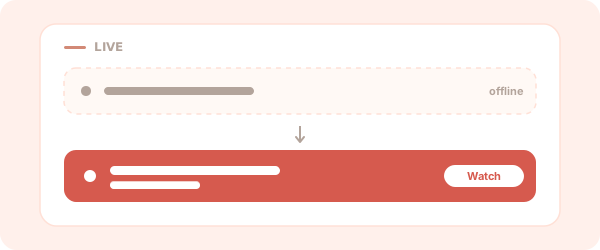
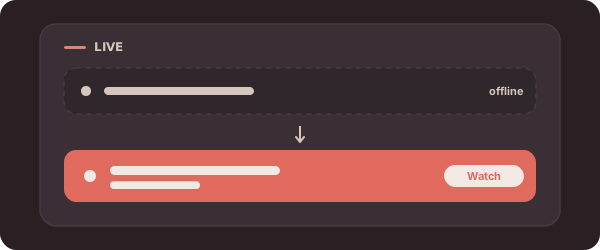
The Live now block is a banner that reacts to your stream. While you’re offline it sits quietly; when you go live it lights up with a Watch link.
How it works
The block checks whether you’re live on its own — there’s nothing to flip when you start streaming. See Publishing for how live status is detected.
Settings
- Watch URL (optional) — where the Watch link points. Left blank, it defaults to your TikTok live.
- Button label (optional) — the call to action, e.g.
Watch now.
You add one Live now block per page. The check runs on demand and doesn’t require connecting a stream.
Back to the block reference.