The Link-in-Bio Built for Live Streamers
Generic link pages weren't designed for creators who go live. Here's the philosophy behind the LiveHub public profile, and what each block actually does.
If you’re a TikTok LIVE streamer, you’ve likely put a link in your bio.
Maybe it’s Linktree. Maybe Beacons. Maybe it’s just one link you keep swapping out depending on what you’re promoting.
It works.
But it doesn’t really say anything about you.
Most link-in-bio tools were built for creators who publish content — bloggers, brands, storefronts. For live streamers, they miss the entire point.
They don’t show your growth. They don’t show your community. They don’t show what actually happens when you go live.
It’s just a list of links sitting in a void.
We built the LiveHub public profile to fix that.
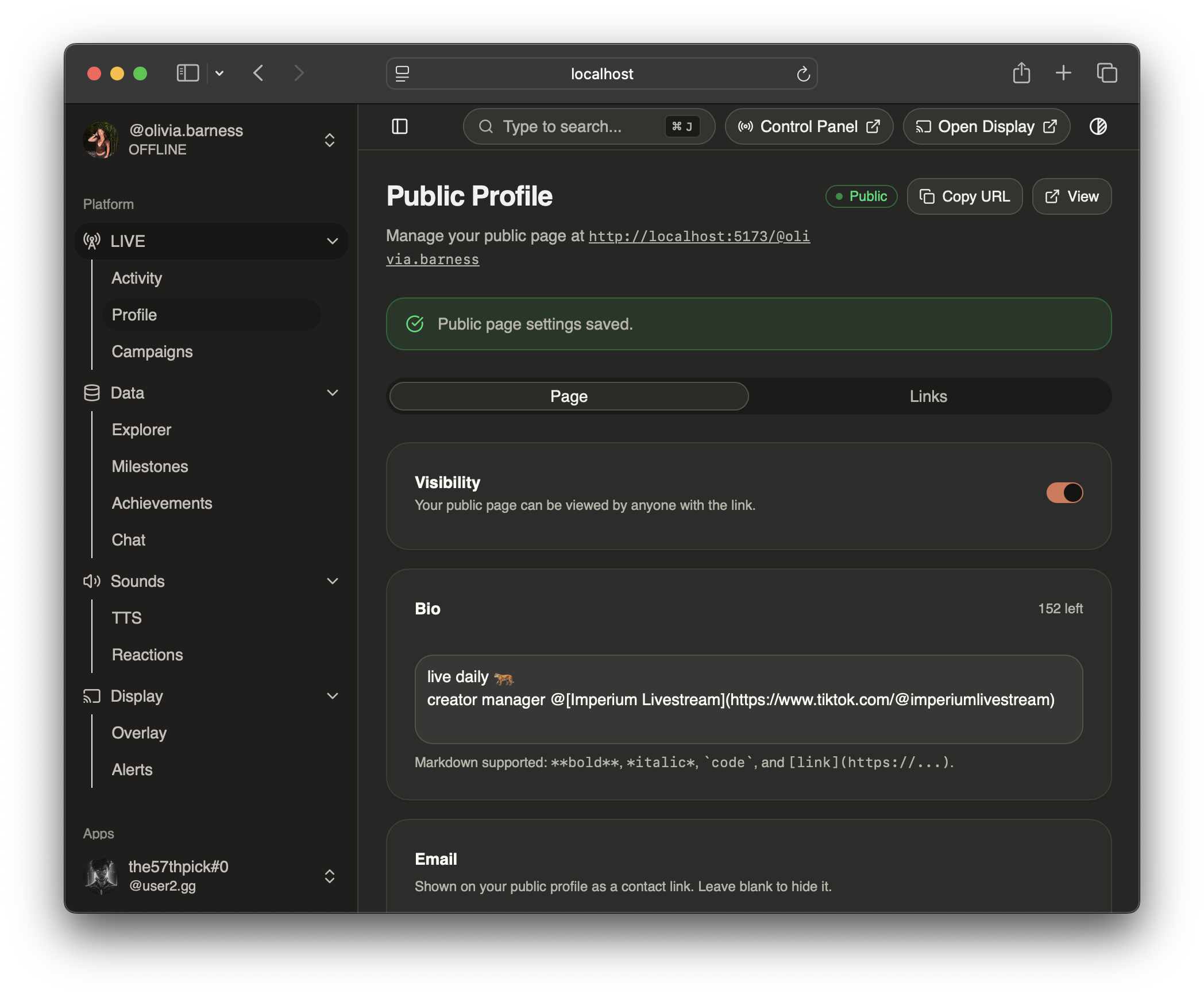
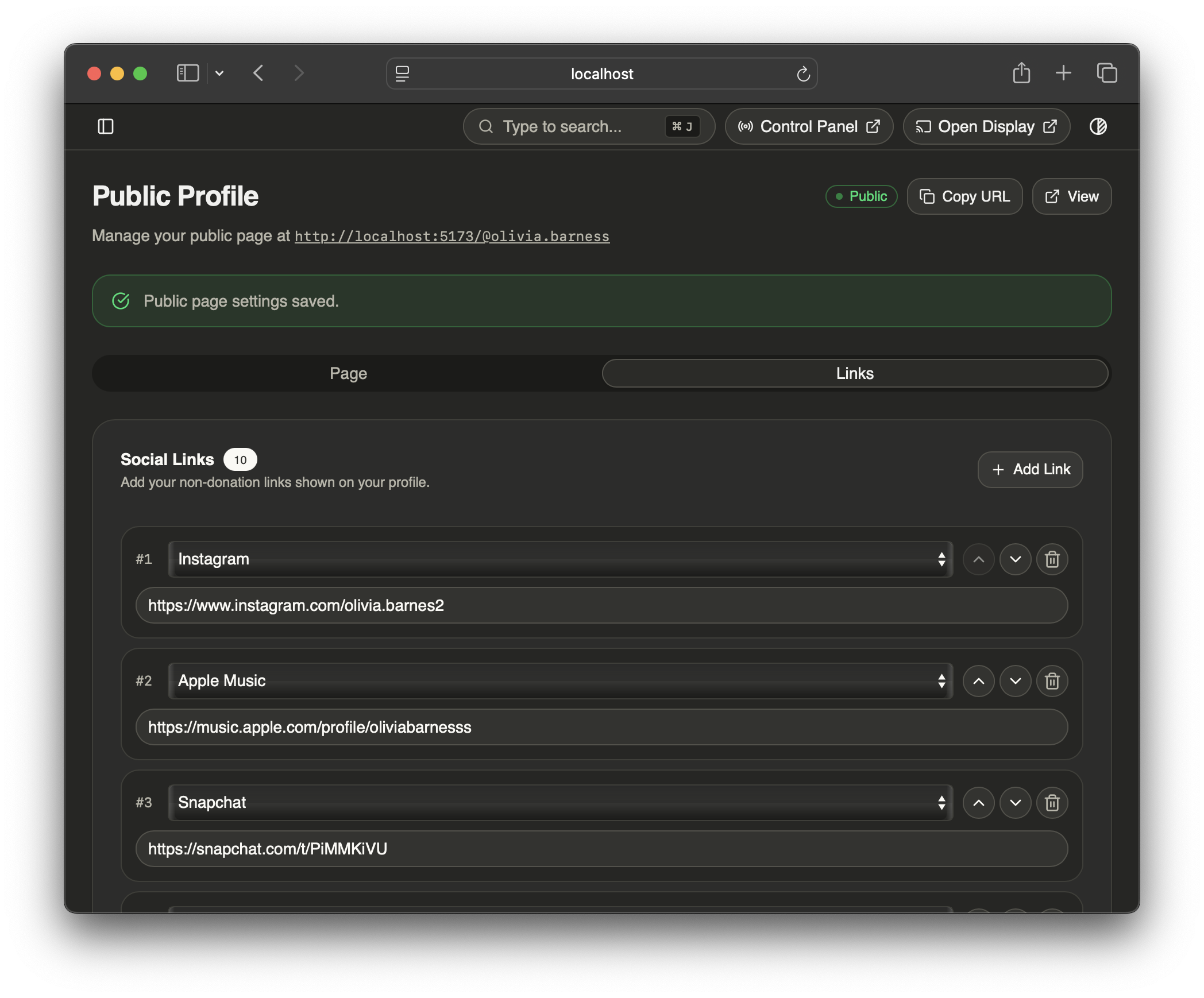
Your profile configuration page
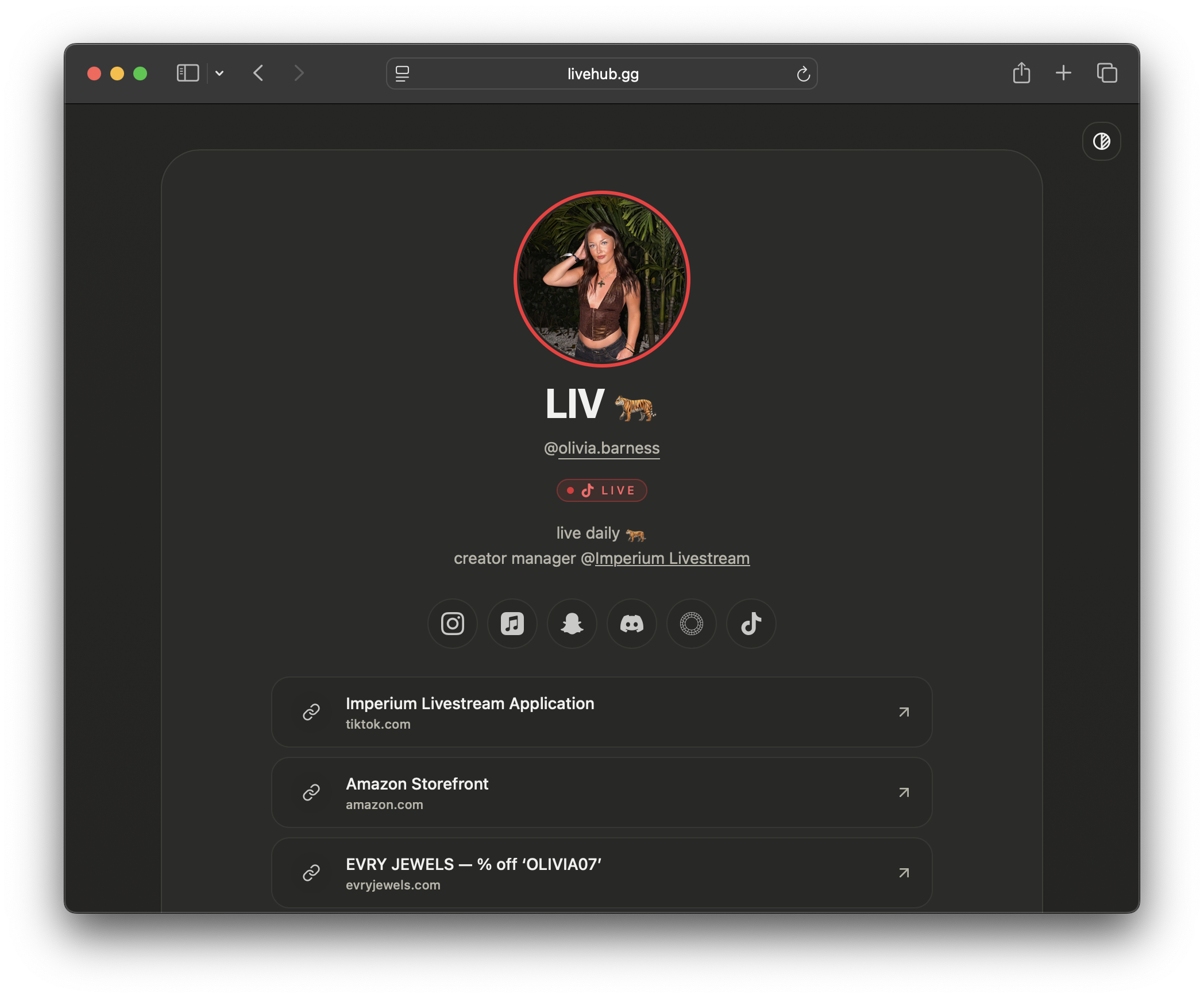
Your rendered profile at livehub.gg/@yourname
Theming
Before the blocks, the canvas. LiveHub uses a full CSS custom properties system — the same design token architecture that powers the entire app. We ship preset themes (Bubblegum, Mono, Neo, Nature, Mocha, and more), each applying a complete light and dark mode palette so your profile looks right regardless of a visitor’s system preference.
Because the theming system is built on tweakcn, you’re not limited to the presets. Design a completely custom theme on tweakcn — every background, surface, accent, text color — and paste the share link into your profile settings. It imports automatically. You get the visual richness of a custom-coded page without writing a line of CSS.
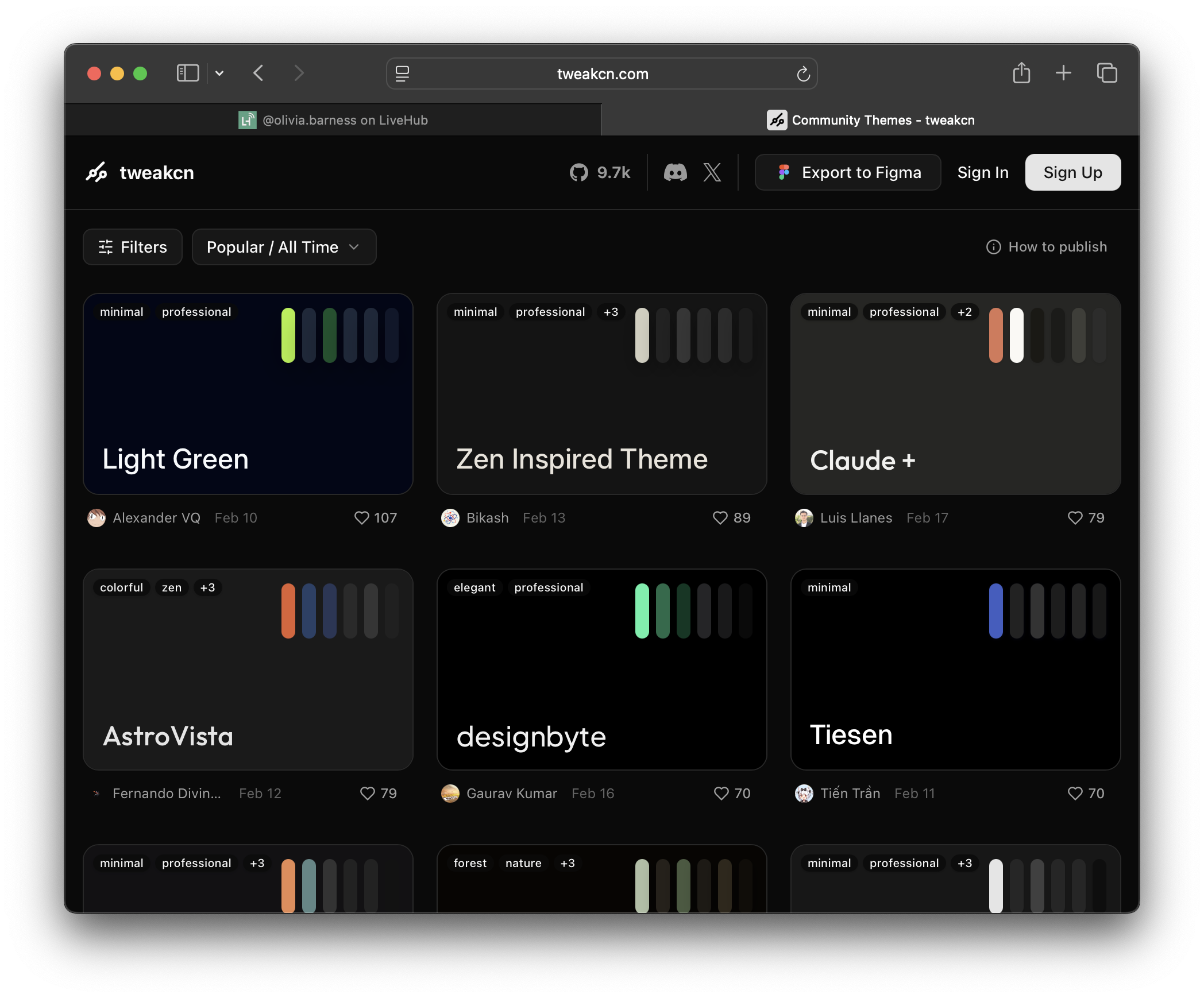
Tweakcn Theme picker
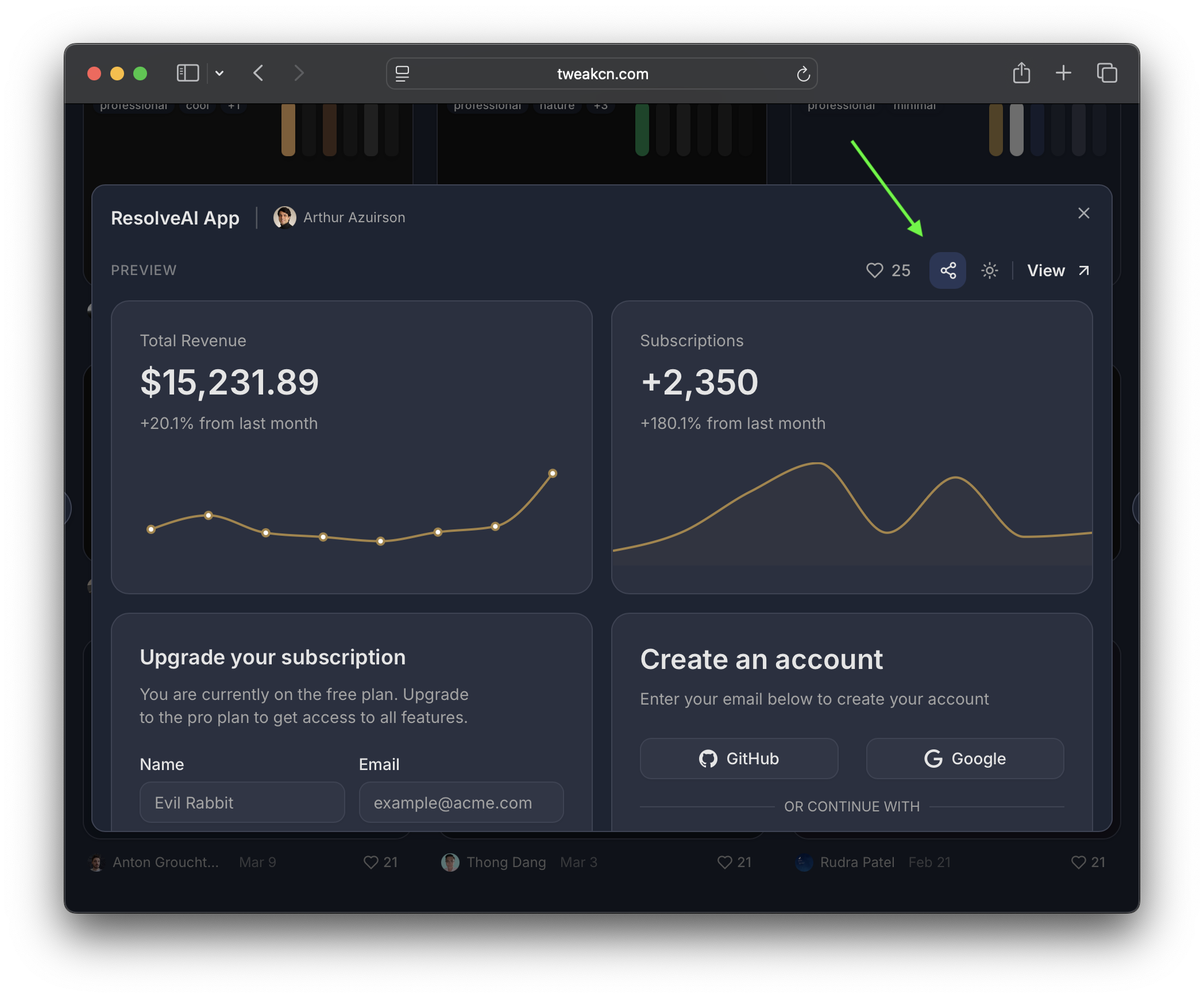
Copy share link
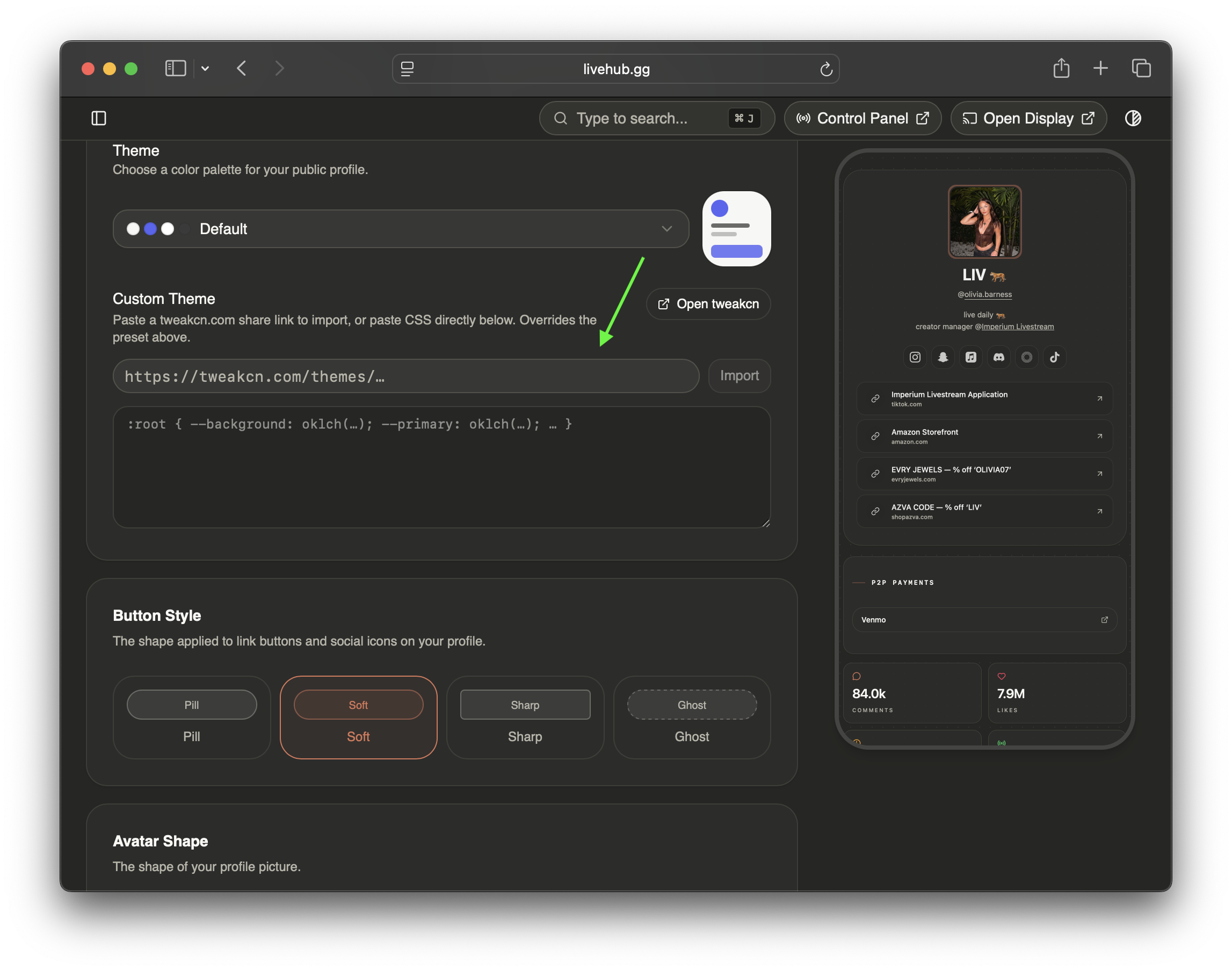
Imported theme applied to profile
Blocks
Every section below is an individual block. All of them are opt-in. Enable the ones that make sense for you, reorder them however you want, and leave the rest off.
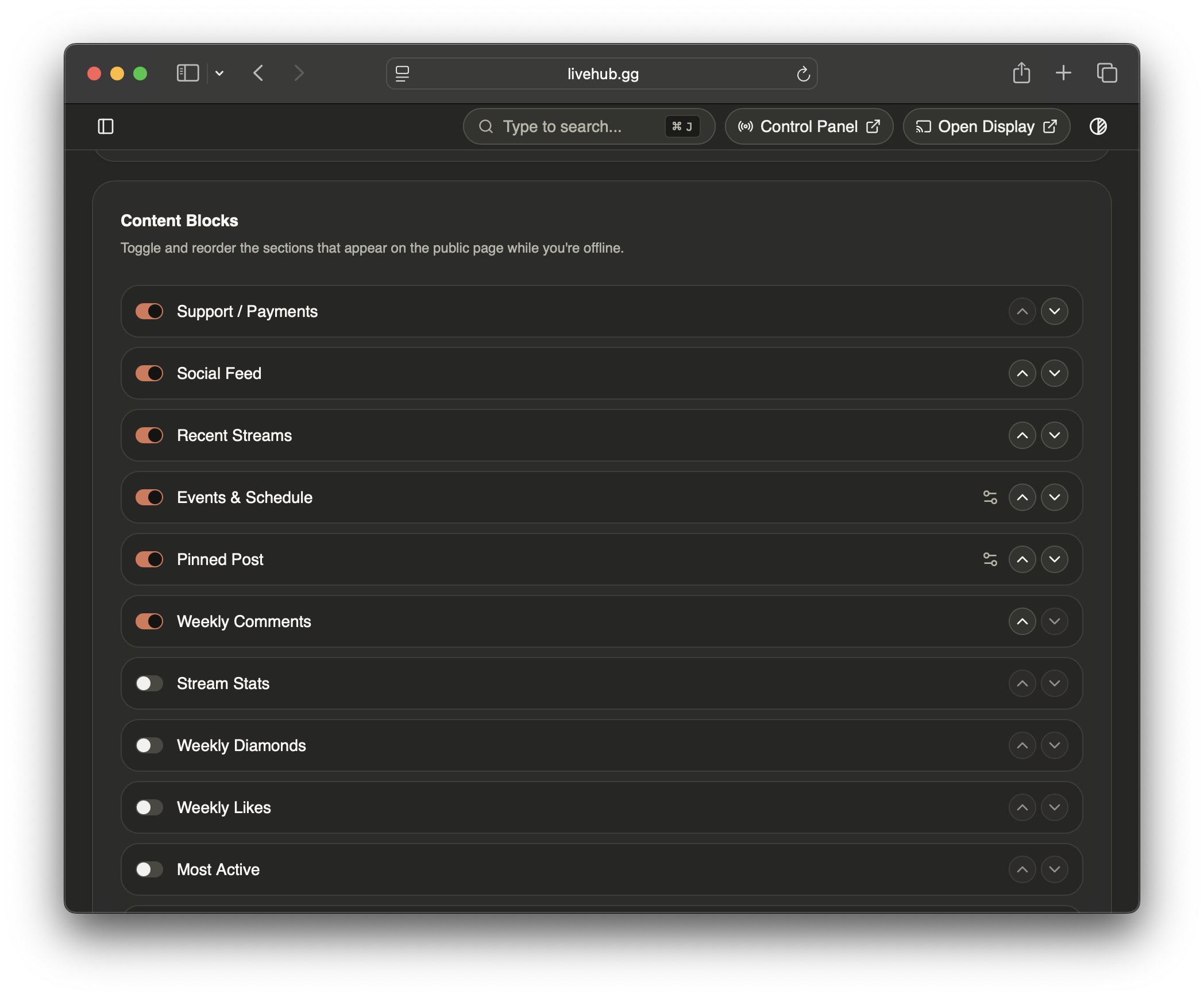
Stream Stats
Four numbers from your TikTok LIVE history: total streams, total hours live, total likes, and total comments. These tell a story that follower count doesn’t. A creator with 20k followers and 400 hours of live time is a fundamentally different proposition than one with 20k followers and zero. This block makes that visible.

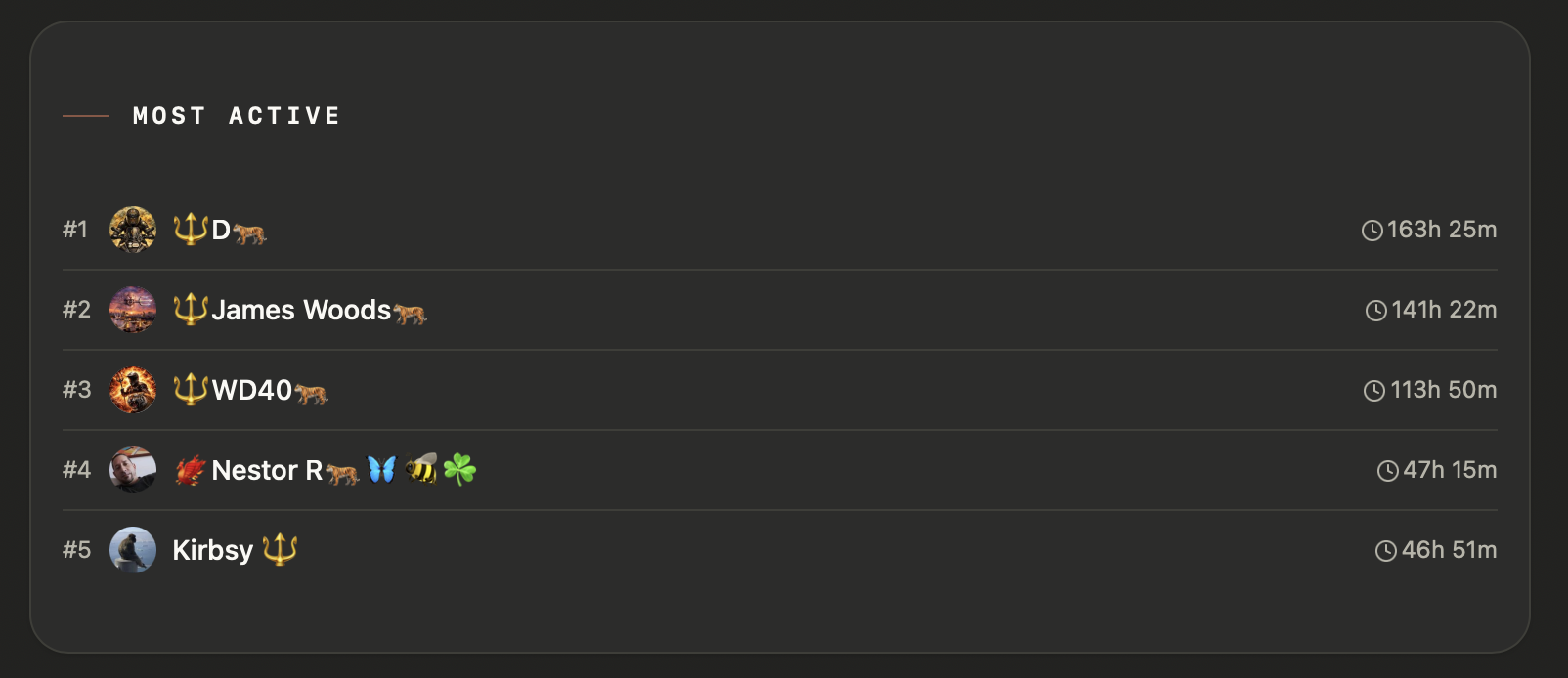
Most Active
Your top viewers by time spent in your streams. Not gifters — watchers. The people who show up consistently. For anyone evaluating your community, this is the most honest signal of real engagement.
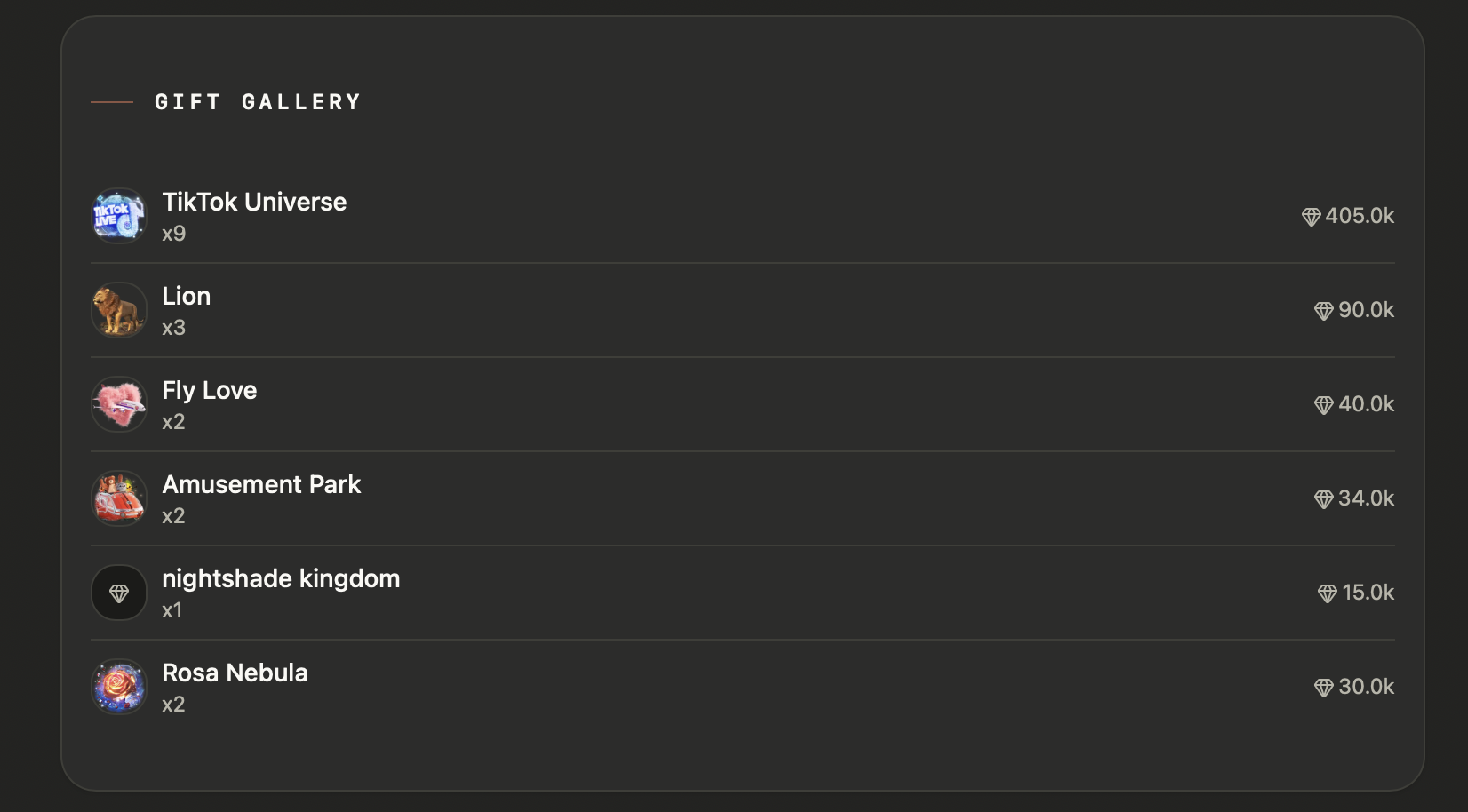
Gift Gallery
The gifts your community has sent, ranked by how often they appear across your streams. Surfaces the character of your audience — the gifts people reach for most often say something about the energy of your streams.
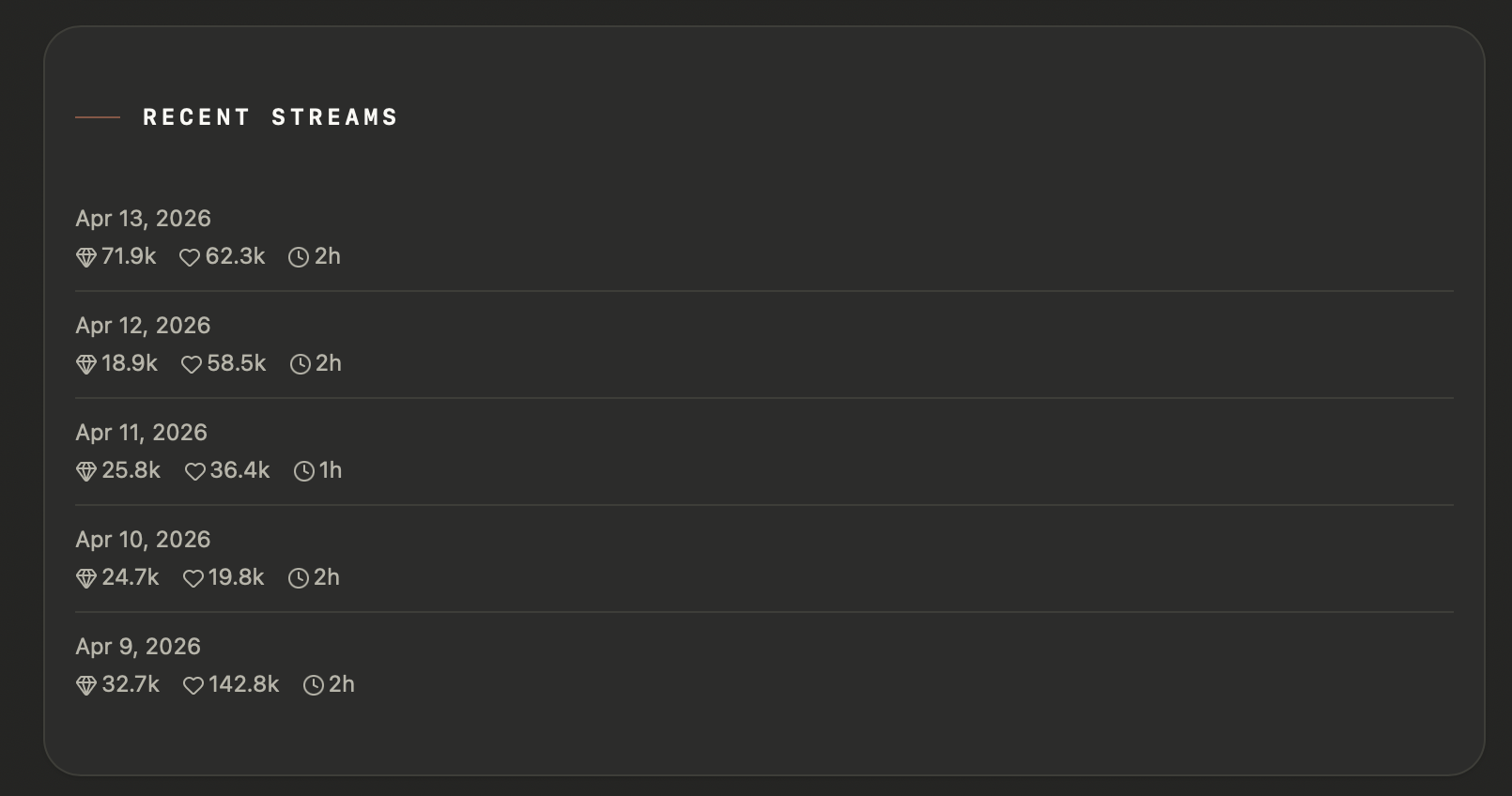
Recent Streams
A chronological list of your most recent sessions with per-stream stats: diamonds, likes, duration. Useful for showing that you stream consistently and giving a sense of what a typical session looks like.
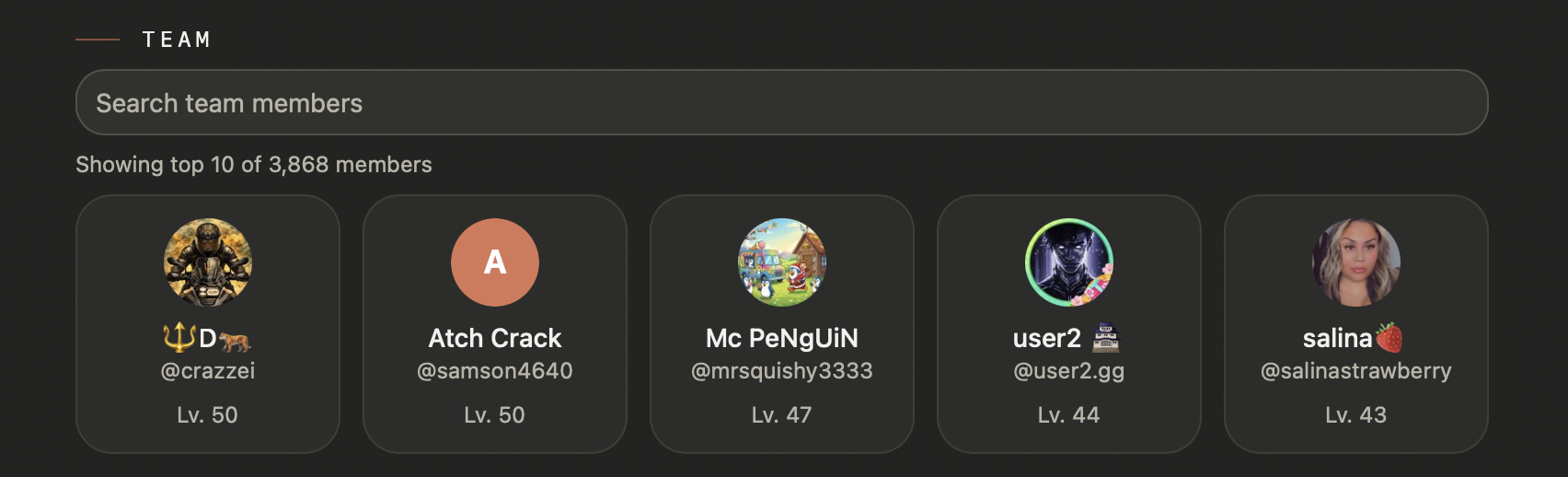
Team
Your community’s recognized members: top gifters, moderators, people with milestone roles. Shown with their level, role color, and contribution context. For someone deciding whether to join your community, seeing that other people are genuinely invested is a meaningful signal.
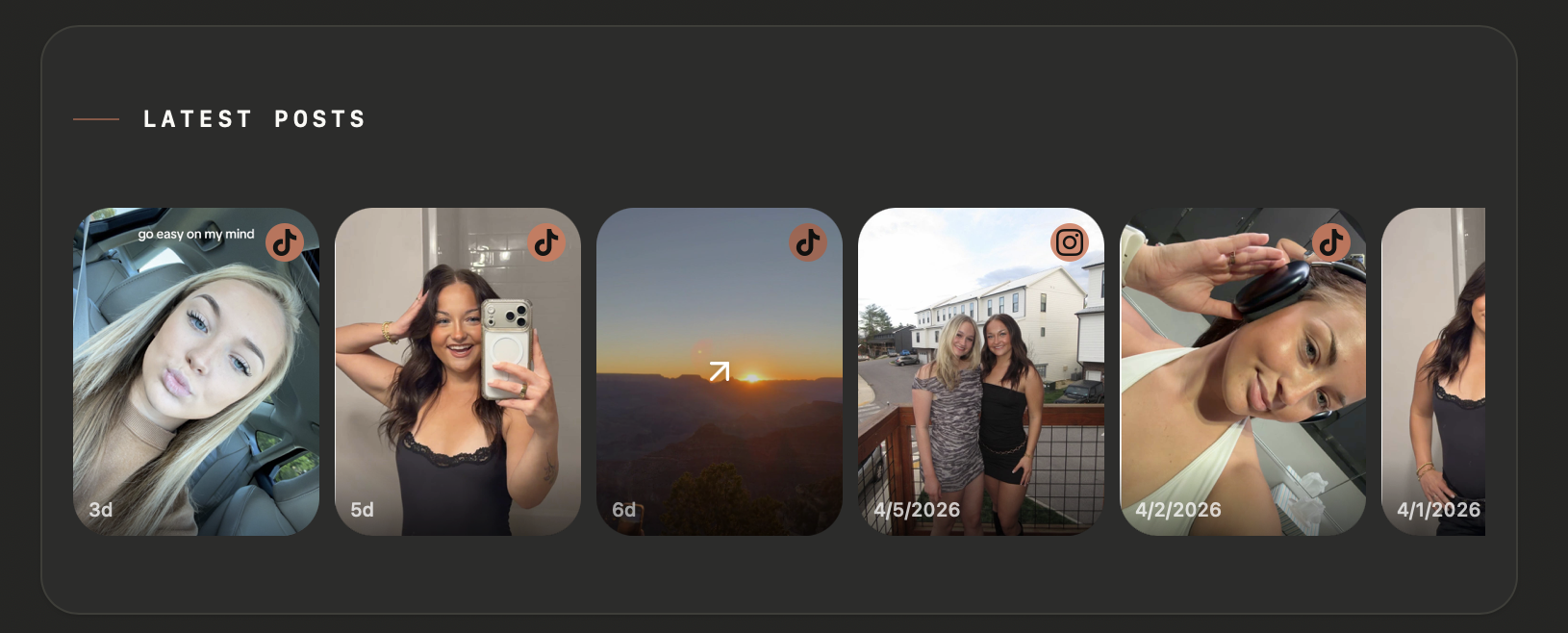
Social Feed
Your recent posts from TikTok, Instagram, YouTube, and other connected platforms, pulled into a single chronological feed. No grouping by platform — your content is your content regardless of where it lives. The feed renders in your profile theme, with platform badges in your accent color.
Support / Payments
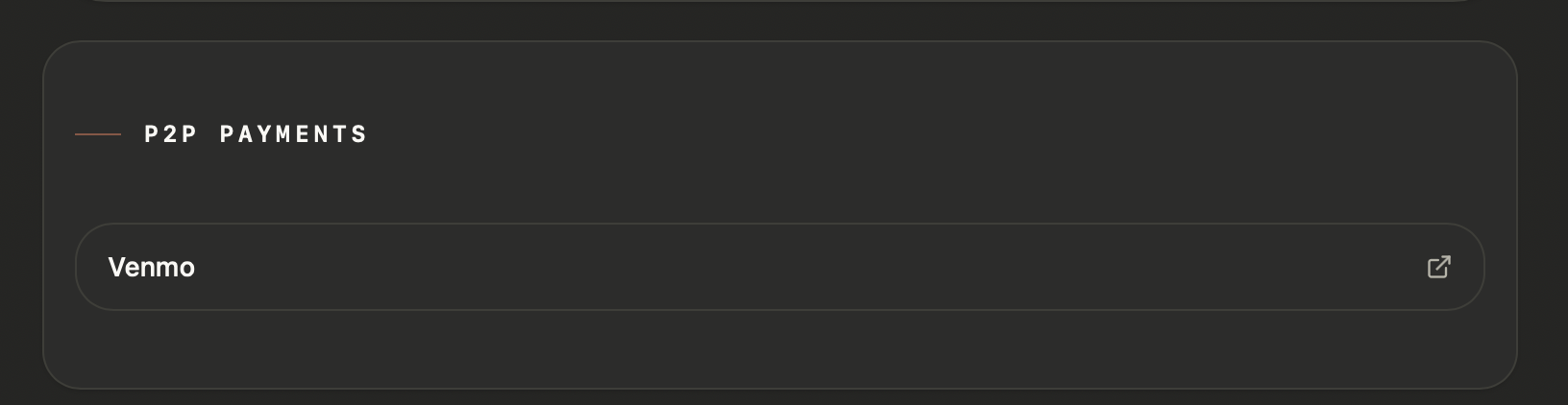
Your payment links (PayPal, Venmo, Cash App, Zelle) as a dedicated section, separate from the social links in your header. Enabling this block moves donation links out of the hero and into their own card — cleaner hierarchy, and easier for viewers who want to support you to find it.
Events & Schedule
A structured event list for your online presence. Each entry has a title, an optional date, an optional time, an optional platform tag, and an optional link. Leave the date empty to mark something as recurring — it’ll show with a repeat indicator and always appear. Set a date and it disappears automatically once that date passes.
Use this for your regular stream schedule, upcoming collabs, tournament appearances, meetups, product drops, or anything else worth surfacing.
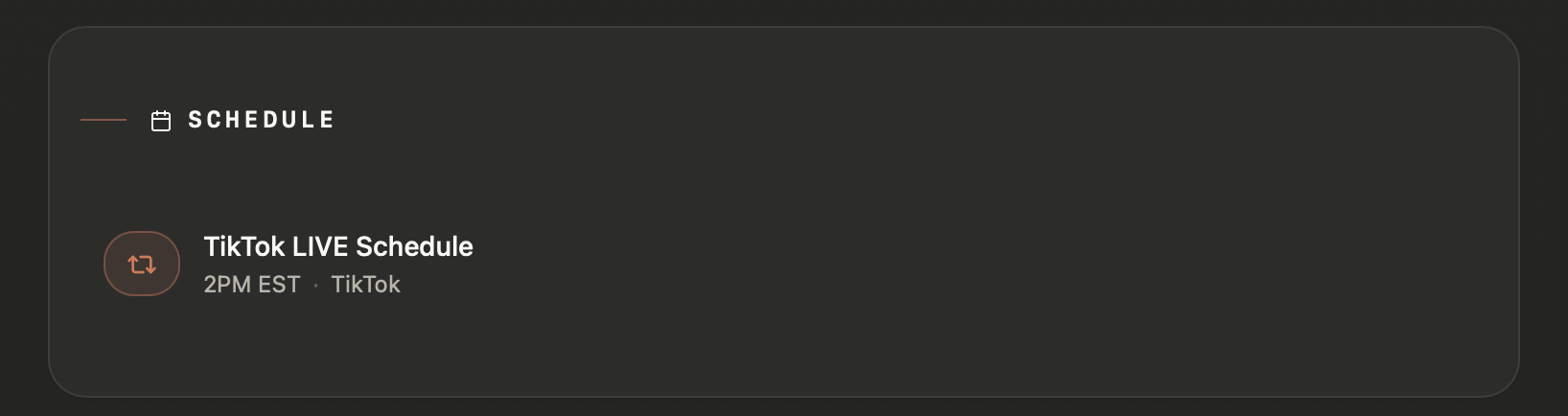
Events & Schedule block — list of upcoming events with calendar tags
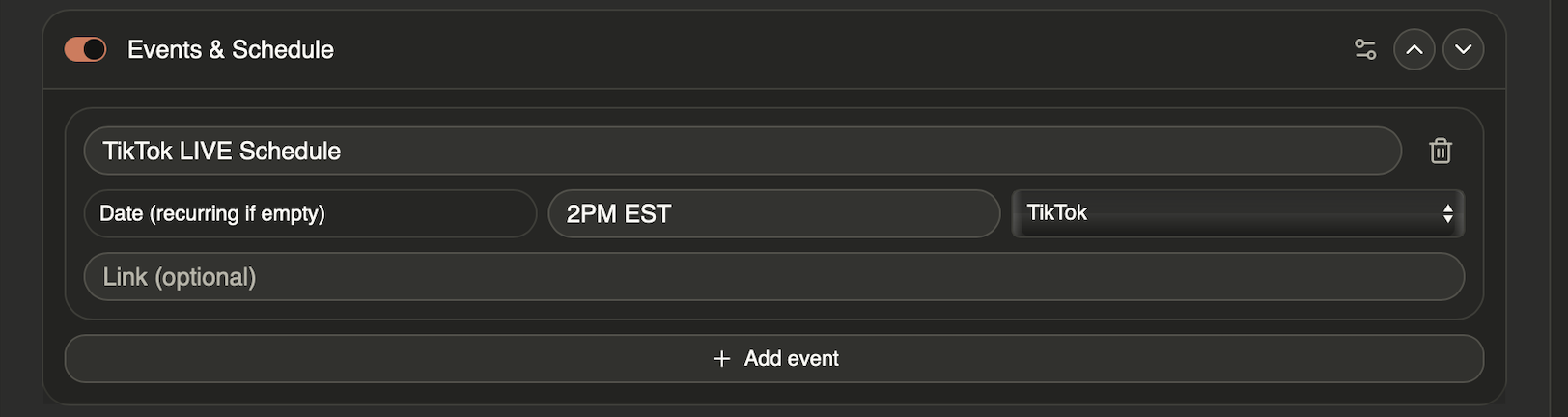
Dashboard — event editor with calendar date picker
Featured Music
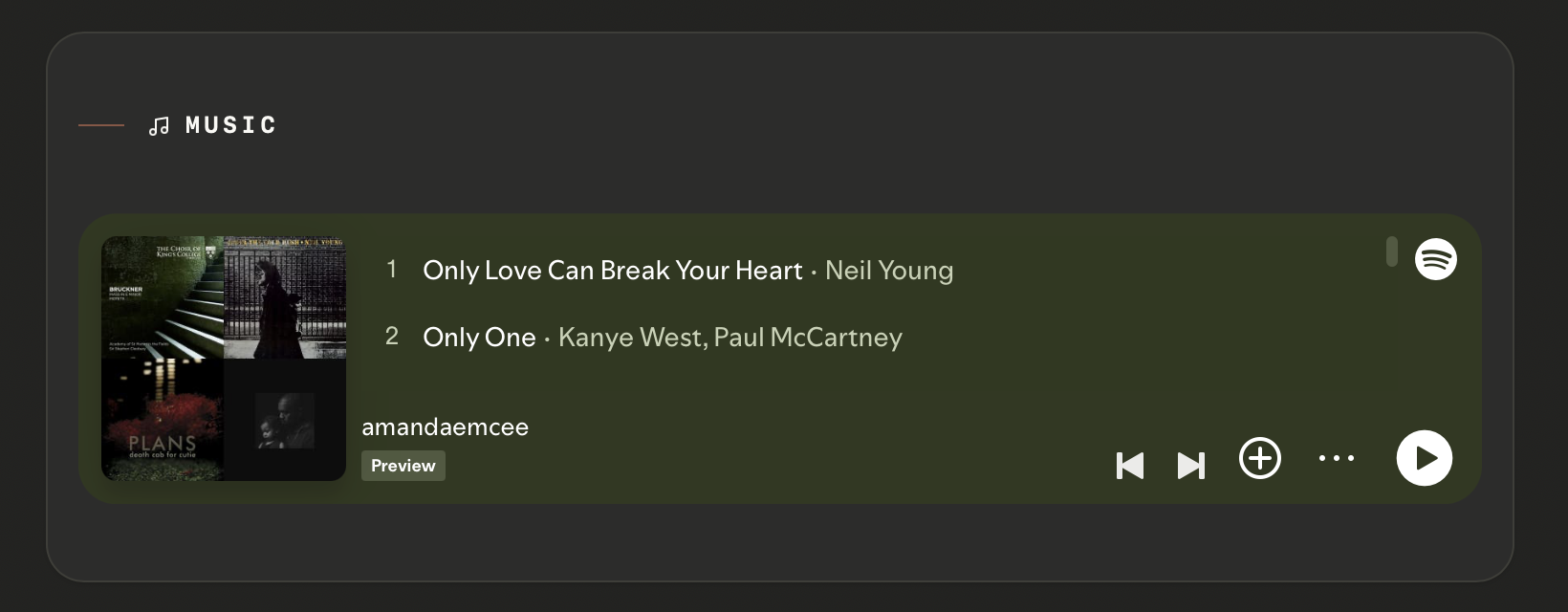
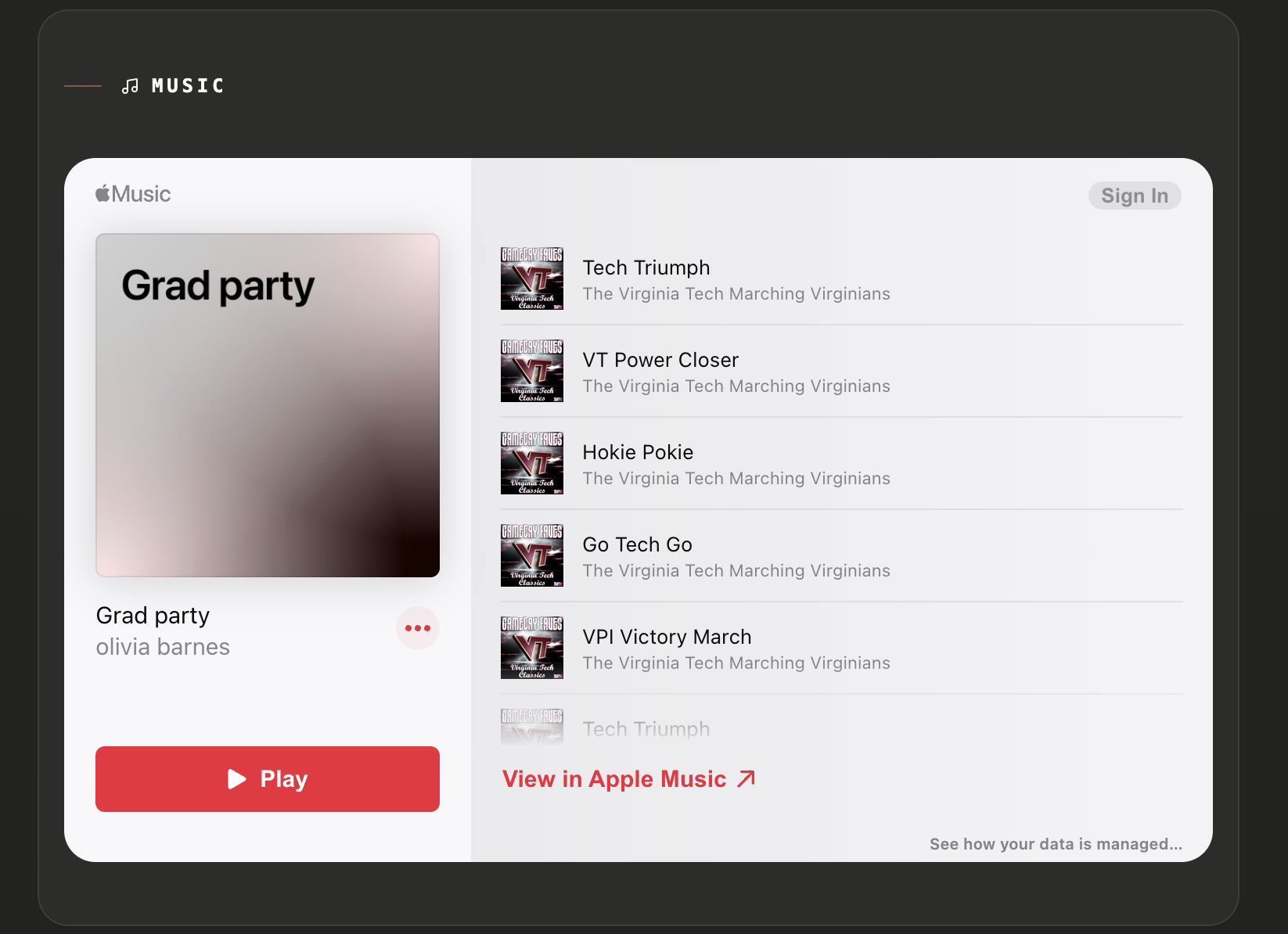
A Spotify or Apple Music embed — artist page, playlist, album, or track. Paste the Spotify share link and it converts to an inline player automatically. Good for sharing what you listen to while streaming, a playlist you’ve curated for your community, or your own music if you make it.
Pinned Post
Sometimes there’s one thing you want people to see first.
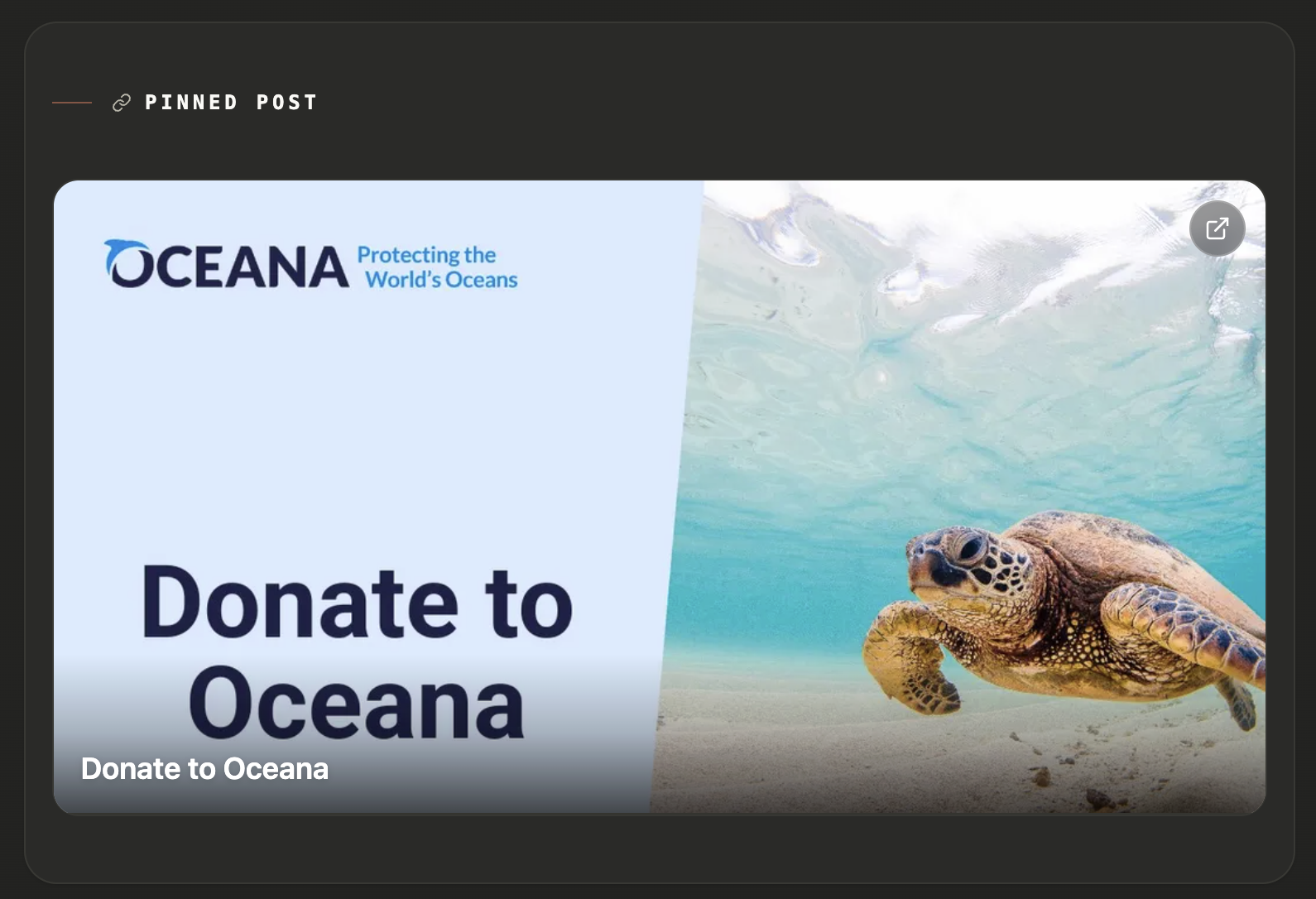
A new TikTok. An Instagram reel. A YouTube video. A product drop. A tour date announcement. A giveaway post. Whatever it is, the Pinned Post block gives it a dedicated card instead of burying it in a list of links.
Paste the URL and LiveHub can render it as a proper feature block on your profile. If the platform provides preview metadata, we’ll use it. If you want more control, you can override the title, description, and image manually from your dashboard.
That matters because link previews are messy. Some platforms return great metadata, some return almost nothing, and sometimes the thing you want to emphasize isn’t the default title at all. The Pinned Post block gives you both: automatic previews when they work, and manual control when they don’t.
It’s a simple block, but it solves a real problem: not everything important belongs in your bio, and not everything recent deserves equal weight.
QR Code
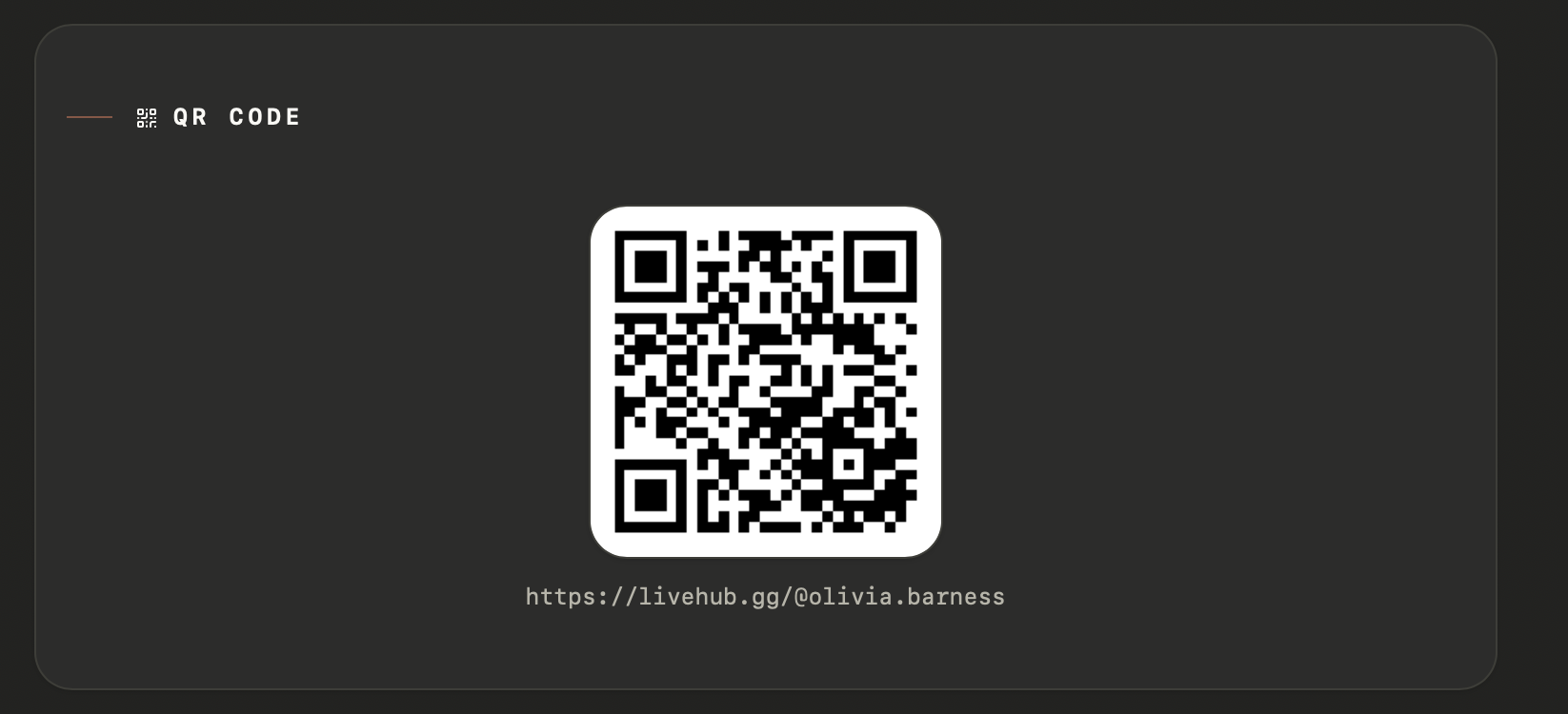
A scannable QR code that links to your LiveHub profile. Useful for IRL events, merch, stream overlays, or anywhere you’d want to put a physical link to your page.
Getting started
Setup takes about five minutes:
- Pick a theme — or paste a tweakcn share link to import a custom one
- Add your social links and payment links under the Links tab
- Turn on the blocks you want under the Page tab, and drag them into order
- Enable the profile and share the link:
livehub.gg/@yourname
The URL is clean. The page is fast. And it actually reflects what you do.
The blocks available today are just the beginning. If there’s something specific you’d want people to see when they land on your page, let us know.